
Getting Started
Logspace is your complete session recording and debugging platform. Capture user behavior, track errors, and debug issues with AI-powered analysis.
Chrome Extension
Record browser sessions pixel-perfectly with rrweb integration.
IDE Extensions
Analyze logs directly in VS Code, Cursor & WebStorm with AI.
Self-Hosted Platform
API server + Admin Dashboard deployed together via Docker.
JavaScript SDK
Privacy-first SDK for web apps with smart sampling.
System Requirements
Browser & Extension
- Chrome, Edge, Brave, or Opera (v88+)
- Manifest V3 compatibility required
IDE Environment
- VS Code / Cursor (v1.90+) or WebStorm (2025.2+)
- Node.js 18+ (for MCP Server)
Server Infrastructure
- Docker Engine (v20.10+)
- Docker Compose (v2.0+)
- 2GB RAM Minimum (4GB Recommended)
- 10GB Storage for logs/recordings
- Logspace License Key
- HTTPS Required for Production
Installation Guide
1. Chrome Extension Setup
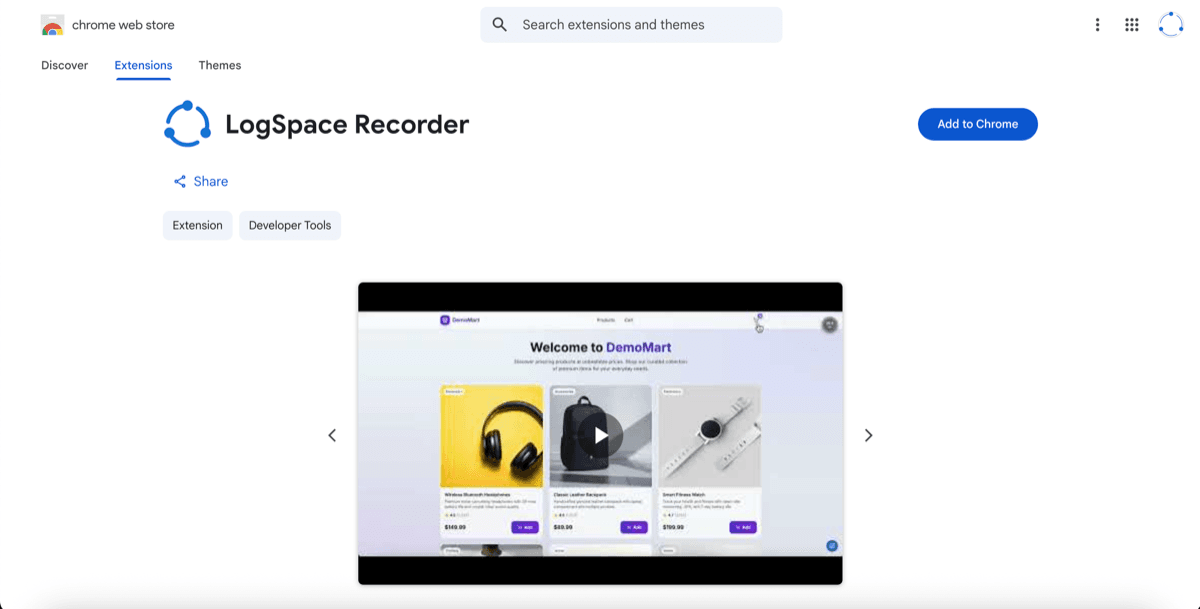
Install the Extension
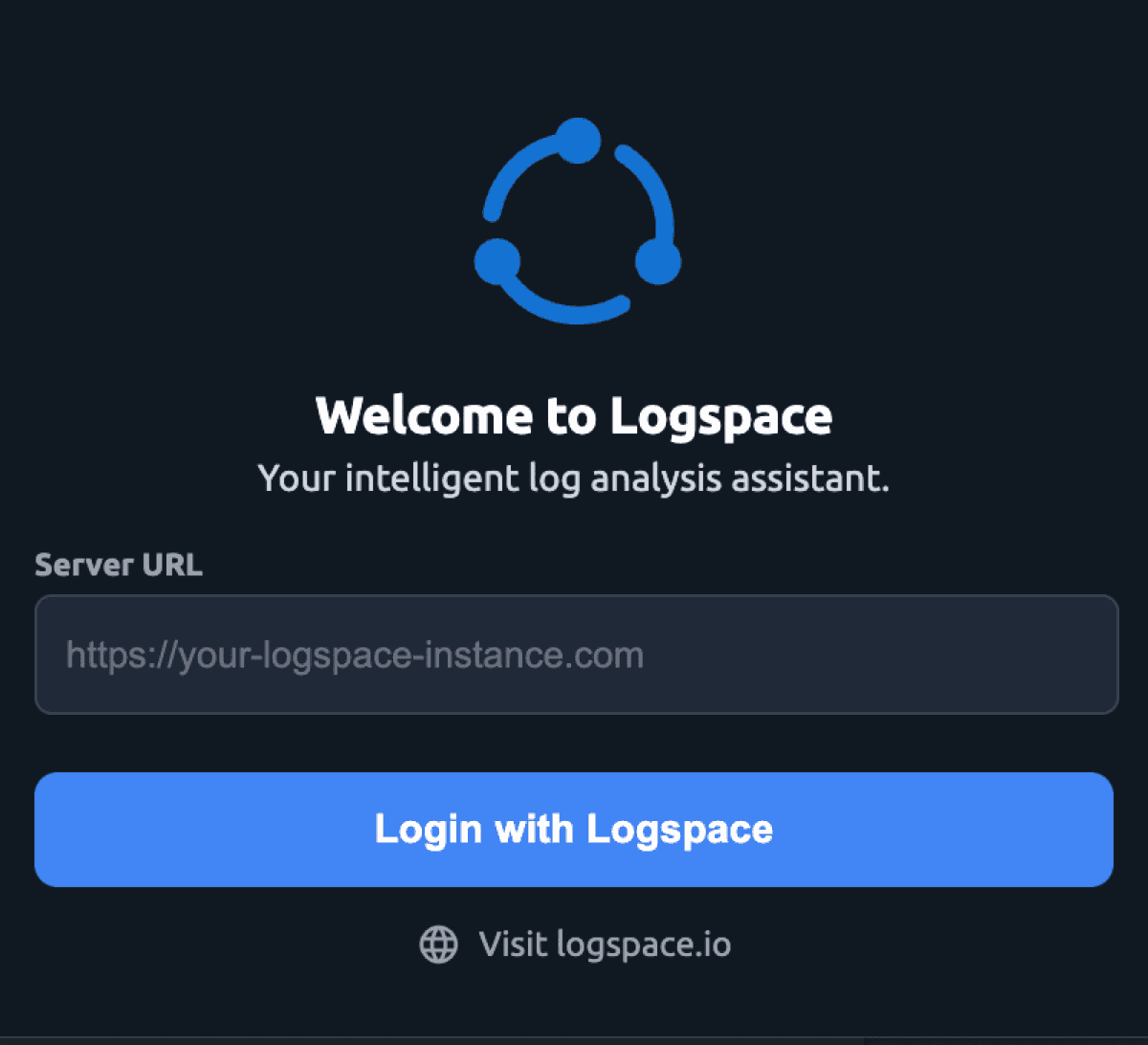
Configure Server URL
Open extension settings and point it to your API server (e.g., https://api.logspace.yourcompany.com).
2. IDE Configuration
Install Extension
Search for "Logspace" in your IDE's marketplace.
code --install-extension logspace.logspace-vscode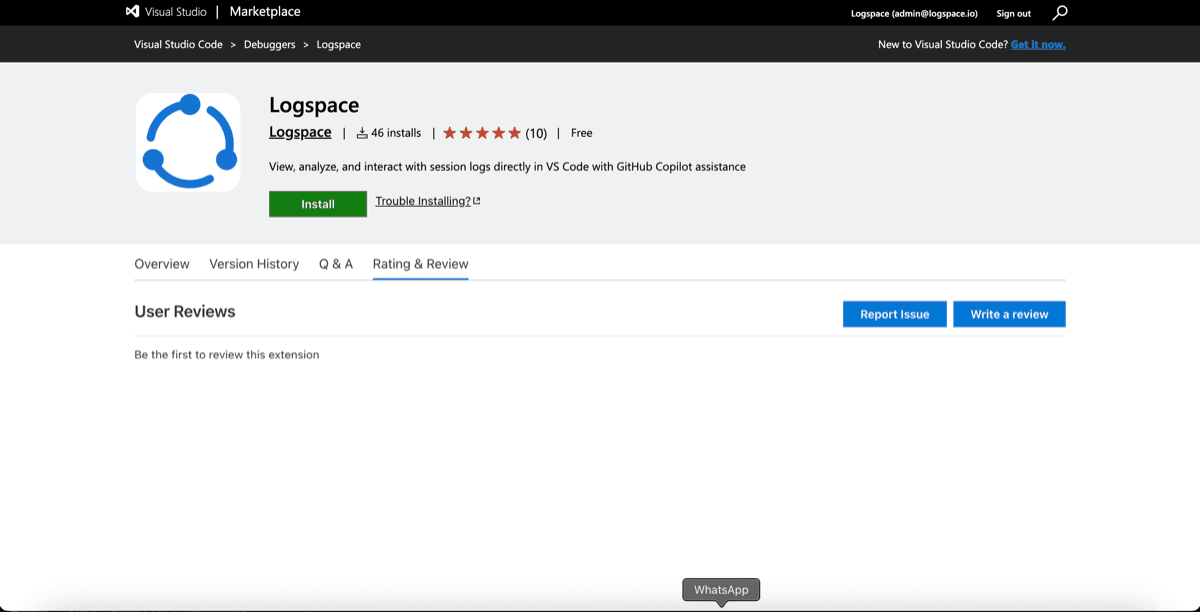
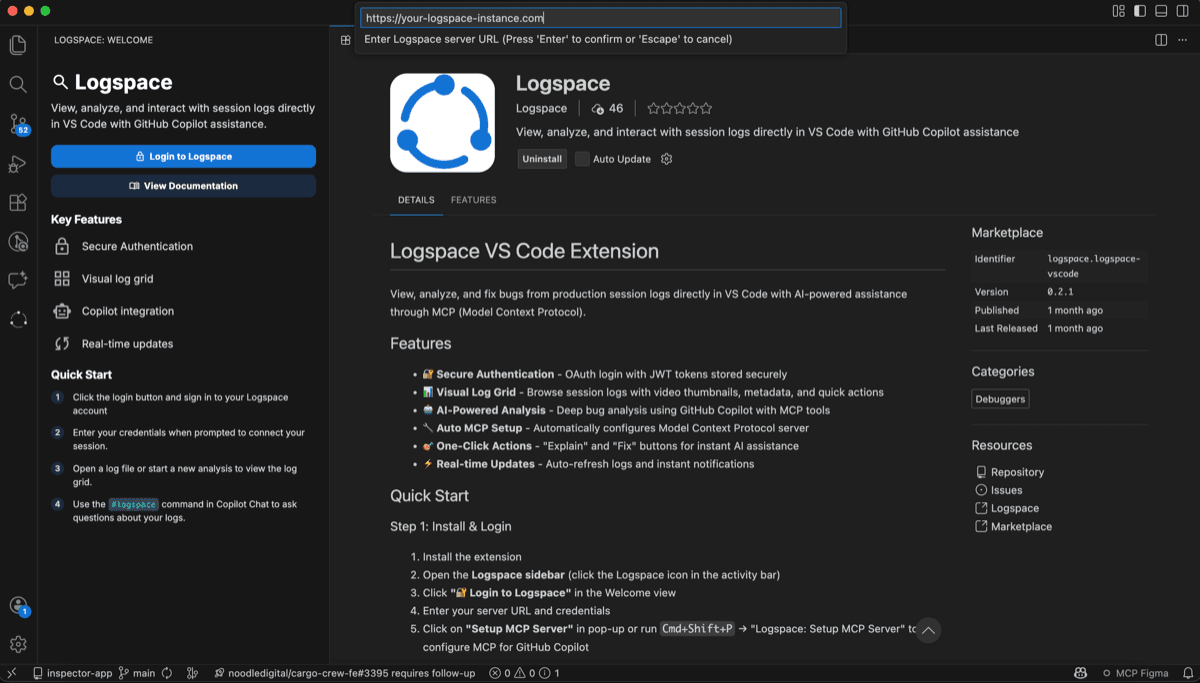
Authenticate
Click the Logspace icon in your activity bar and sign in to sync your sessions.
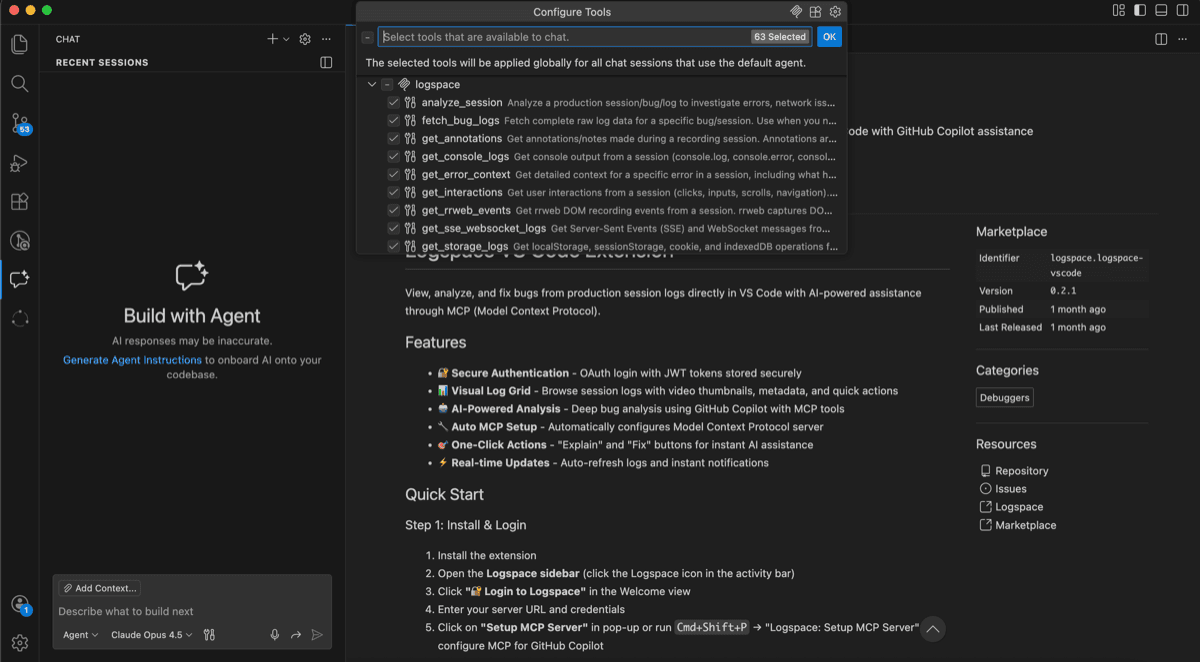
Enable AI Features
Once authenticated, the MCP server will start automatically, enabling AI context for your coding assistant.
3. Self-Hosted Platform
Deploy with Docker
tar -xzvf logspace-1.0.0.tar.gz
cd logspace-1.0.0
docker load -i logspace-api.tar
docker load -i logspace-admin.tar
cp .env.example .env
docker compose up -d
Configure LICENSE_KEY and JWT_SECRET_KEY in your .env file.
Logspace requires HTTPS for production deployments.
Verify & Access
http://localhost:9000http://localhost:4000http://localhost:9000/docsExplore More
Chrome Recorder
Deep dive into recording options, advanced filters, and privacy settings.
IDE Integration
Master the VS Code, Cursor & WebStorm workflows with AI assistance.
Admin Dashboard
Session management, analytics, and team collaboration tools.
JavaScript SDK
Programmatic recording execution and custom event tracking.